






You are now leaving our website and entering a third-party website over which we have no control.
Welcome to TD Business Central U.S.
One digital experience for all your business banking needs.
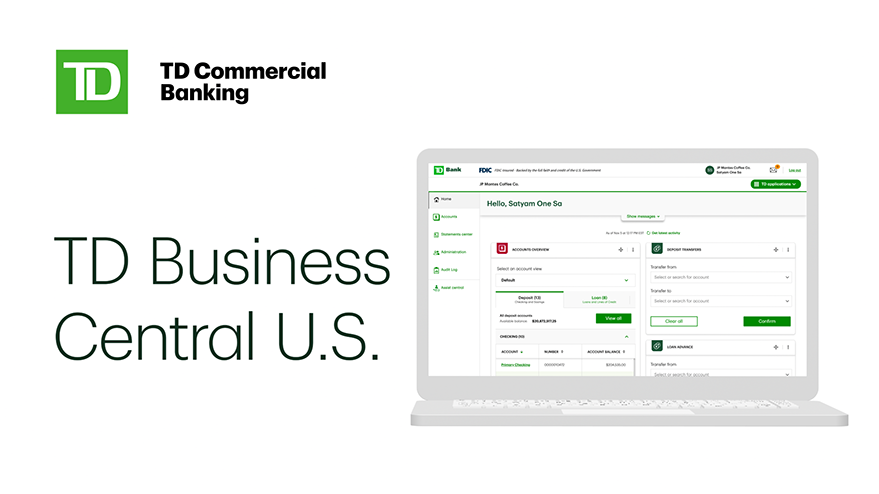
Take your company's digital banking to the next level with TD Business Central U.S., a seamless, convenient business banking experience.
TD Business Central U.S. is a portal providing TD Bank's Commercial customers with an end-to-end view of their business banking, all in one digital view.
Access and manage products, services and applications in one centralized place at your fingertips.
Features
-
A new way to show what's new
A guide to newly updated features will be introduced upon logging in. -
More personalized accounts information
Customers can now go through an updated experience to add to and view information from their Accounts overview widget on the dashboard. -
E-mail notifications to keep customers informed
Now, System Administrators will also get notification e-mails when the TD Treasury Management Support Service team makes updates to user or group information.
-
Multi-device friendly
Access your accounts and manage your business across multiple devices, on-the-go, anywhere, anytime -
Secure and safe
RSA SecurID® tokens enabled as the new authentication method. This will replace one-time passcode authentication for new users. -
Single sign-on for TD applications
Customers can quickly and conveniently access TD applications by just logging in to TD Business Central U.S.
What's changed?
Discover the new enhancements on TD Business Central U.S. to keep existing customers up to date with what's new. Along with other features, the aim is to empower customers with the information and customization they need to navigate this digital space with ease.
Getting started with registration in a few simple steps
Ready to join a growing network of businesses accessing their full suite of TD products and services via our secure, user-friendly and customizable platform?
Call a dedicated Migration Specialist at 877-839-6911 or contact your Sales Officer to learn more and get started on Business Central US today!
Resources and training
What's next?
We are committed to making your experience with TD Business Central U.S the best it can be and look forward to delivering many more exciting capabilities in the coming months so stay tuned!